We need your help to keep this website free. You can
Twitter—or X, whatever we’re all calling it these days—moves incredibly fast. Memes, breaking news clips, and bizarre tutorials pop up on your timeline and disappear into the algorithm’s void within hours. Trying to find a specific video from two days ago is basically a lost cause unless you bookmarked it. I used to rely heavily on screen recording to save things. But let’s be honest, that usually leaves you with a blurry, pixelated mess that looks terrible the second you send it to a friend or view it on a larger monitor.

Getting the actual, original raw file is the only real way to preserve quality. You want an MP4 that you can drop into a presentation, edit later, or keep offline without weird compatibility issues ruining your day. Finding a reliable Twitter video downloader is actually a lot harder than it sounds, though. Half the sites on Google are flooded with fake buttons, sketchy pop-ups, or demand your email address before they do anything. I’ve gone through the headache of testing a bunch of them recently, and I’ve narrowed it down to the top three that actually do what they promise.
1. Twikite: The Best Overall Experience
This one is my current top pick, and honestly, it’s for a very good reason. Twikite is one of those rare online utilities that doesn’t feel like it’s actively trying to trick you. It’s entirely browser-based, meaning you don’t have to install random extensions or sketchy apps on your phone. The biggest selling point for me? There is absolutely zero login or account creation required. You drop the link in, and it fetches the original file directly from X’s servers. This means you can grab clips in crisp 1080p resolution—exactly as the creator uploaded them—without any watermarks plastered across the screen.
Beyond just handling standard videos, it actually works as a really solid Twitter GIF downloader. We all know Twitter technically converts GIFs into looping MP4 files behind the scenes to save data. Twikite pulls those natively and maintains the quality perfectly (with direct .gif format support apparently rolling out in the future). They also let you pull high-res photos, supporting JPG, PNG, and WebP formats. This is super handy if you’re trying to archive a thread of uncompressed artwork or photography. And thankfully, it works smoothly on an iPhone. If you’ve ever tried saving media through mobile Safari, you know it can be a frustrating extra step, but here, you long-press the generated file and tap “Save to Photos.”
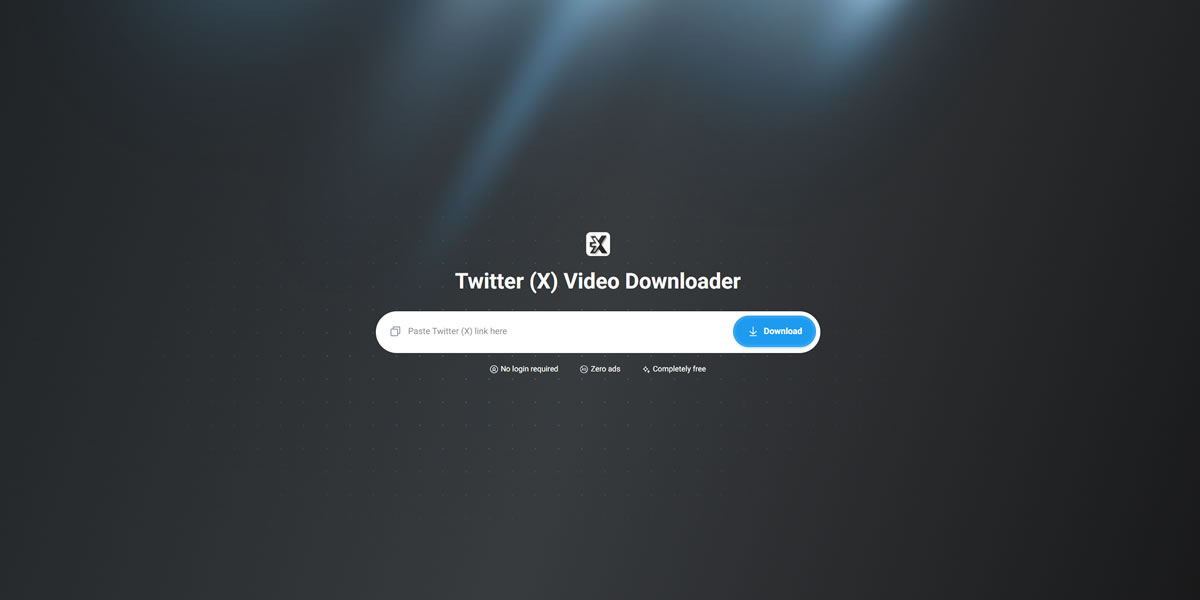
To give you a clearer picture of what to expect before you jump over to their website, I broke down their main specs. The sheer lack of annoying banner ads alone is enough to make it my default, but here is the technical rundown:
The actual workflow is completely frictionless. It usually takes about ten to fifteen seconds from start to finish:
- Copy the tweet URL directly from the X app or web browser via the “Share” button.
- Paste that link into Twikite’s clean, minimalist search box.
- Choose your preferred resolution from the generated options (from 320p up to 1080p).
- Hit download, and the file goes straight to your device. No queue times, no loading bars.
2. SSSTwitter: The Reliable Veteran
Next up is SSSTwitter. If you’ve ever frantically Googled how to save a clip from the timeline, you’ve probably stumbled across this specific site at least once. It’s a veteran in the downloading space and has built up a pretty massive global user base over the years. Much like Twikite, it focuses entirely on stripping away the need for desktop software installations. You paste your link, hit enter, and grab your file. It’s highly reliable, server speeds are usually very fast, and it gets the job done if you need a quick reaction video saved to your hard drive.

There is a slight catch to be aware of, though. The interface is definitely a bit more cluttered with advertising networks compared to the cleaner options available today. Sometimes you have to carefully dodge a banner ad that looks suspiciously like a legitimate “Start Download” button. It’s a bit annoying. But, if you have a decent ad-blocker installed on your browser, it’s a perfectly viable, powerful backup option. It handles HD video quite well and supports both mobile and desktop environments without requiring a manual.
3. TwitterVideoDownloader: Retro but Effective
Taking the third spot on the list is TwitterVideoDownloader. Okay, the name clearly isn’t winning any creative marketing awards, but it literally tells you exactly what the site does. This platform is geared toward users who want a no-nonsense, almost retro Web 2.0 experience. It doesn’t bother with a flashy design or modern aesthetics. You enter the URL, and it instantly gives you options to pull the video or—and this is a really nice touch—extract the audio as an MP3. That audio feature is surprisingly useful if you’re trying to save a snippet from a Twitter Space, a podcast clip, or an indie music teaser.
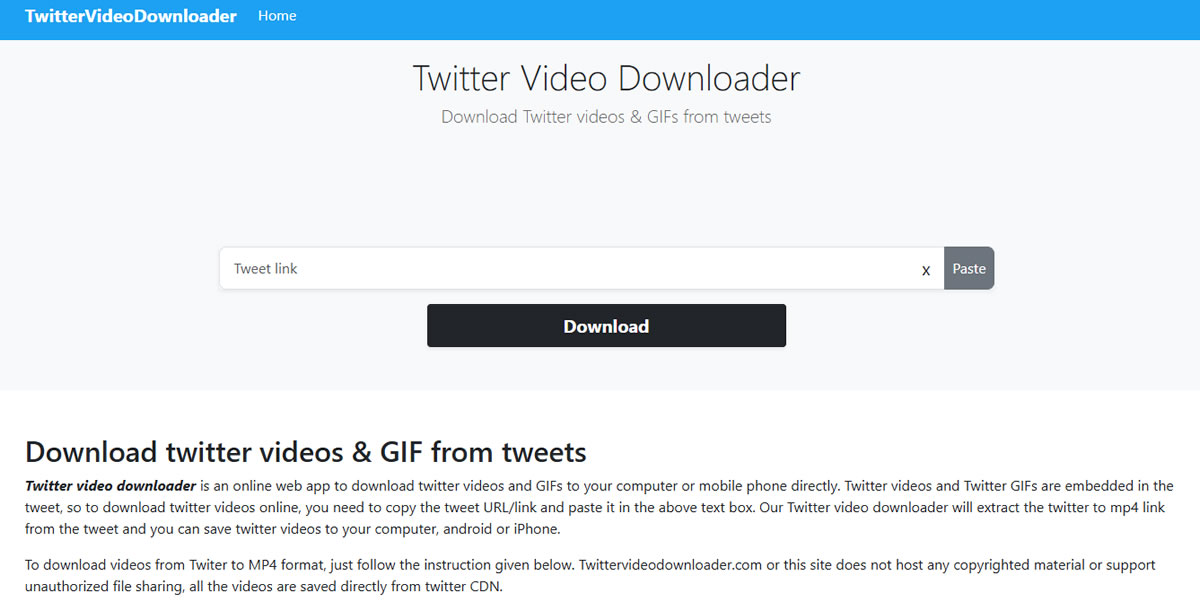
The downside here? Processing speeds can occasionally slow down a bit during peak internet hours, and the mobile interface isn’t quite as polished or responsive as the others. Navigating their site on a smaller smartphone screen can feel slightly cramped. Still, for a totally free utility that consistently bypasses X’s platform restrictions and delivers decent quality files, it earns its place as a reliable bookmark.
Building a Habit of Digital Preservation
There’s a bigger picture here, though, beyond just saving a funny meme or a quick reaction clip. We are living in an era where social media giants actively want to keep you trapped inside their walled gardens. They don’t want you taking content offline, because every second you spend viewing a file from your own hard drive is a second they aren't showing you targeted ads. That is exactly why native download buttons are so incredibly rare across the board. When you rely solely on the "bookmark" or "save for later" features built into these apps, you're essentially trusting that the creator won't suddenly delete the post, or worse, that the platform won't suspend the account without warning. Taking control of the media you care about and keeping actual local copies is becoming less of a tech-nerd habit and more of a basic digital survival skill.
And honestly, this isn't just an issue confined to the timeline on X. Every major network plays the exact same frustrating game with your data. We've talked before about how unnecessarily complicated things get when you're simply looking for safe methods for grabbing photos off Instagram, for example. The specific mechanics change depending on the app, but the core problem remains the same everywhere. You really need to build a reliable personal toolkit to bypass these artificial restrictions. By making a habit of directly downloading the videos, tutorials, or images that actually matter to you, you stop being at the mercy of shifting algorithms and sudden corporate policy updates. It's your digital experience; you might as well keep the best parts of it on your own terms.
Final Thoughts on Archiving Your Timeline
Look, the internet is incredibly unpredictable right now. That viral thread, that highly informative tutorial, or that perfectly timed sports highlight could easily get deleted by the author or taken down by the platform tomorrow morning. Having a quick, painless way to archive digital culture locally makes sense.
While all three of these platforms will successfully get the MP4 onto your device, Twikite definitely takes the crown for me right now. It simply respects your time, keeps the intrusive pop-ups out of the way, and delivers uncompressed quality. Whichever tool you end up bookmarking, do yourself a favor and stop relying on your phone’s screen recorder. Your camera roll deserves better than that.