We need your help to keep this website free. You can
I wouldn't ask a creator to shoot seven separate videos during a short trip. By the seventh, there might be very little trip left to enjoy. What seems more useful is to bring back enough material for several different conversations about the place. The obvious one is what it looked like. Getting there, finding your way around and deciding what was worth filming give you plenty more to work with.
For this example, we'll come home with pictures for three posts: a first impression, some directions and a look at the filming. A modest list, but quite enough to think about while you're out. There's space for a reply, too, if a good question comes along. The reason for showing them should change.
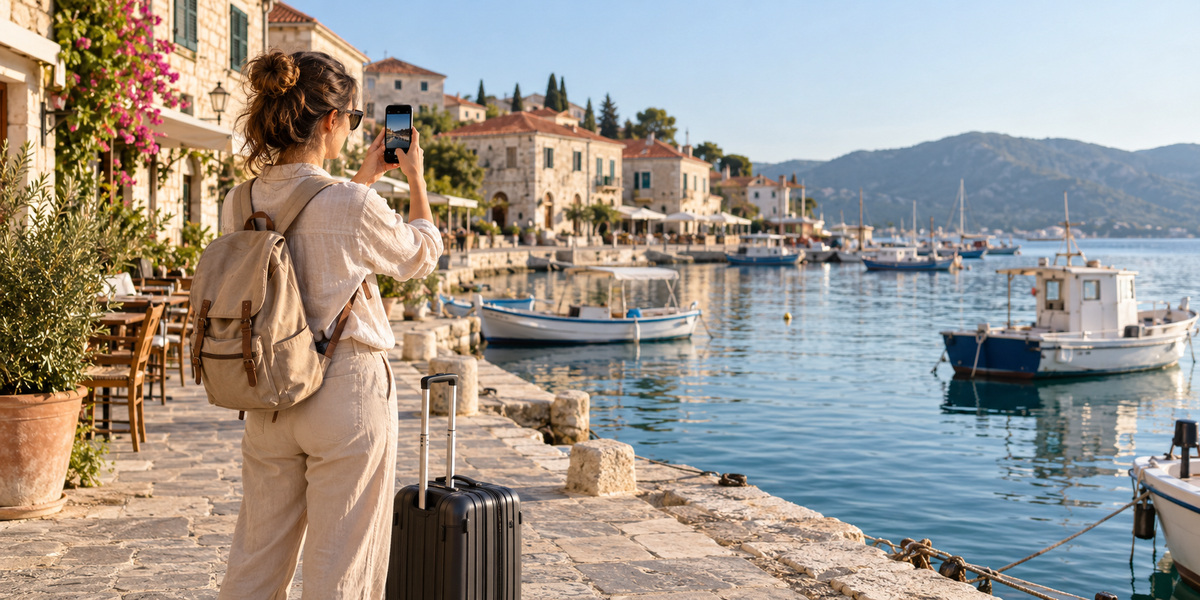
AllinOneDownloader editorial illustration of a creator gathering travel footage at a fictional waterfront.
Choose an Outing With Something to Explain
Let's use a walk from a station to a harbour as an example. What would you have liked to know before setting out? It might be which exit to use, or where to stop for a view of the boats. Make a note of that. The things you had to work out for yourself are often precisely the things worth passing on.
If a team is arranging Private Jet Charter through Hera Flight, equipment and filming plans are questions to confirm directly alongside the itinerary. You will still need permission for any location that requires it.
Get the Pictures Between the Highlights
Get a steady view of the exit with a recognisable feature in it. At the turning, show the direction of travel. Once you reach the water, you'll probably want the big view. Get a detail as well, and say a few words into your phone about why you stopped there. Record some sound without speaking as well; it is useful between bits of voiceover.
- The framing you need for each post; shoot a separate wide view where useful.
- Room in the picture for readable captions.
- A note of the location and any permission you have agreed.
Make Four Posts With Four Different Jobs
Our guide to tools and strategies for content creation covers the wider process. Here, the question is what to put in each post. Someone who has never seen the harbour may just want a look around. The visitor at the station needs directions. They can share a folder of footage without having to share a video.
The First Look
For a first-look video, the journey doesn't have to come first. Put the harbour on screen and let us see what drew you there. You might then cut back to the train arriving, with a few words about the walk. I'd leave the detailed directions out of this one. In a short piece, it's surprisingly easy to lose the place itself among street names and instructions.
The Route to Save
A carousel gives the directions somewhere to live. Begin at the exit and move through the turning to the water. Use the pictures that make each point recognisable. Check your notes before writing the directions. I'd check the pictures separately from the captions, too: can you tell where to go just by looking at them?
The Making-of and the Reply
I'd be interested in seeing how the shot was made, particularly if you managed it with just a phone and somewhere to rest your elbow. That's a useful little post in itself. A viewer might ask where you stood or whether you used a tripod; if so, there's your opening for a reply. No question yet? Leave that space in the calendar empty.
| Example day | Post | Material to keep |
|---|---|---|
| Monday | A first look at the harbour | Arrival, view and a spoken observation |
| Wednesday | The walk explained | Exit, turning and checked directions |
| Friday | Behind the camera | A useful moment from the setup |
| Sunday, if useful | A reply to a viewer | Footage that answers their question |
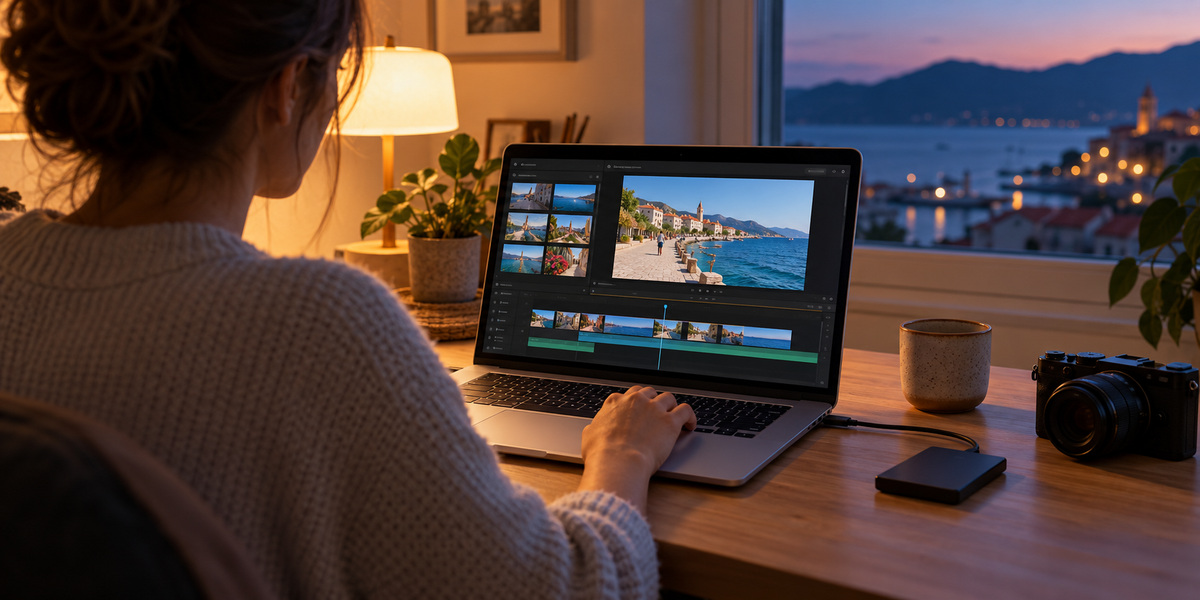
AllinOneDownloader editorial illustration of the editing stage; the screen represents a generic workflow.
Keep the Material Ready for Another Edit
File names are dull until you need a particular clip. Then a folder labelled with the place and date is a great improvement on a pile of unnamed exports. Keep the originals, working projects and finished videos apart, with a second copy of the important material somewhere else. Open that copy to check it before clearing a memory card. Our article on content platforms and independent creators looks at distribution, the next part of the job.
Keep an export without music and titles. You'll thank yourself when a caption gets in the way of a different crop. As for the soundtrack, finding a song inside an app tells you where you found it, not everything you're allowed to do with it. Check the terms for the intended use and keep a record with the project.
A free or discounted trip can also affect what you need to tell viewers. The FTC's influencer disclosure guidance includes those arrangements alongside payment. Place the explanation with the endorsement where people can notice it. A newcomer may never see your earlier posts.
A calendar can get rather bossy. Wednesday arrives and suddenly you're posting something you aren't happy with because the box needs filling. Move it to Thursday. You have the material, which was the whole purpose of planning ahead; the decision to publish can wait until you've made something worth showing.