We need your help to keep this website free. You can
Parents supervising a teen's Threads profile can now see which accounts the teen is blocking. The added view gives them another starting point for a conversation about unwanted contact, alongside the app's time limits and privacy controls. It identifies blocked profiles; the list alone doesn't explain why someone was blocked.
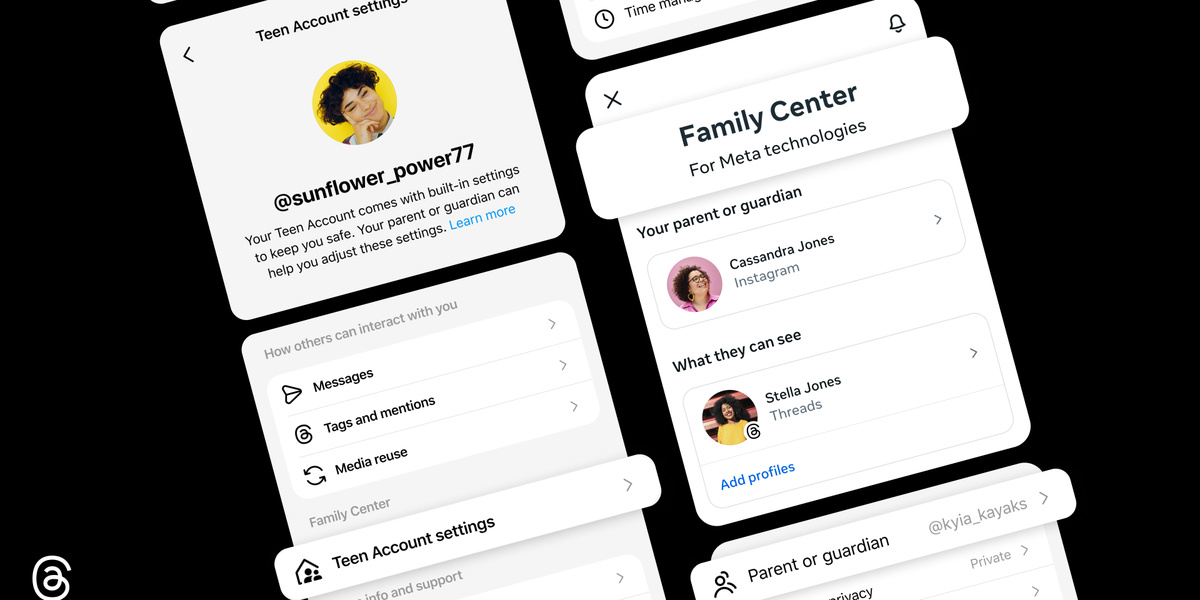
Source: Meta's Threads supervision announcement. This official Family Center artwork illustrates the broader tools; it is not our teen-account screenshot or an image of the new blocked-list view.
Where the new list appears
The update was reported on Monday. Meta's current help page confirms the feature and gives this route for a supervisor using a computer:
- Open More on the left and choose Settings.
- Select Supervision for Teen Accounts.
- Under Activity and controls, choose the teen's profile.
- Open Blocked accounts under Their connections.
We checked those published instructions, without opening a family's account. The route is for an existing supervisor, not a way to inspect the blocked list of any young person on the service.
A new connection view, not the start of supervision
Meta introduced Threads supervision in Asia Pacific in September. That announcement already included daily usage information, limits across devices, sleep-mode controls, tagging choices and privacy preferences. Monday's report says the supervision rollout has since reached all regions. The blocked-account list adds context about connections to that existing set of tools.
What a blocked name can tell a parent
A name on this list is evidence of a block, not proof of harassment or a transcript of an exchange. Asking what happened can provide the missing context without treating a settings screen as a verdict.
Threads combines public posting with other ways to communicate. Its image-sharing options in direct messages concern the conversation itself; supervision is a separate layer. Parents using the desktop interface at Threads.com should follow the help page's computer instructions rather than assume the mobile menus are identical.